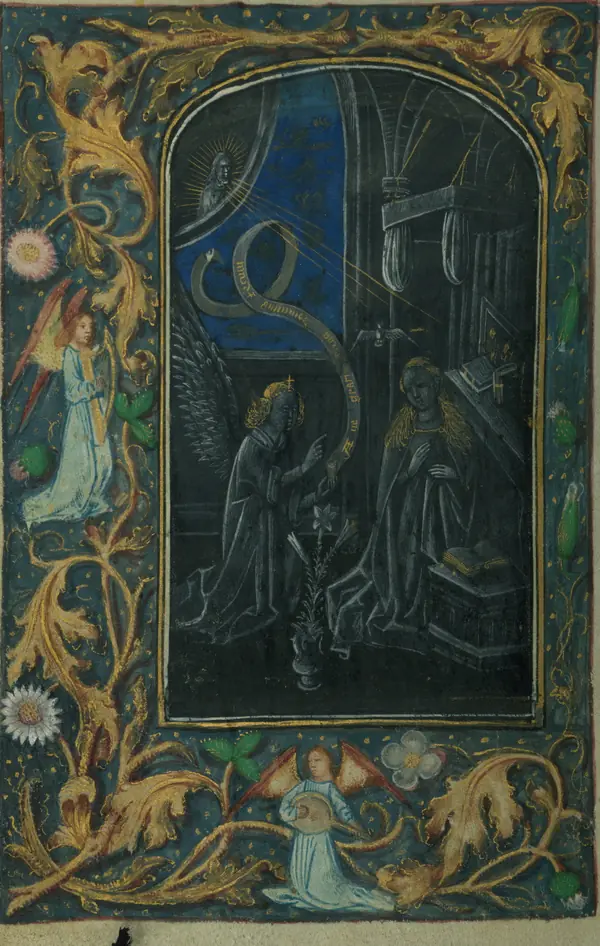
INCIPIT · Lontra the Wizard
fol. 1r
 expected file:
 assets/art/initial-L-otter.webp
Lontra the Wizard
Stories above systems
Independent tools for Game Masters who want less interface and more story. Open the book: every chapter holds a module.
CODEX LONTRAE
MODULES FOR FOUNDRY VTT
Stories above systems
ROLL WITH CAUTION
THE INK IS STILL WET
Scroll to open the clasp
OPEN THE BOOKINCIPIT · Lontra the Wizard
fol. 1r
expected file: assets/art/initial-L-otter.webp
Stories above systems
Independent tools for Game Masters who want less interface and more story. Open the book: every chapter holds a module.
CHAPTER I · Battle Replay
fol. 4r
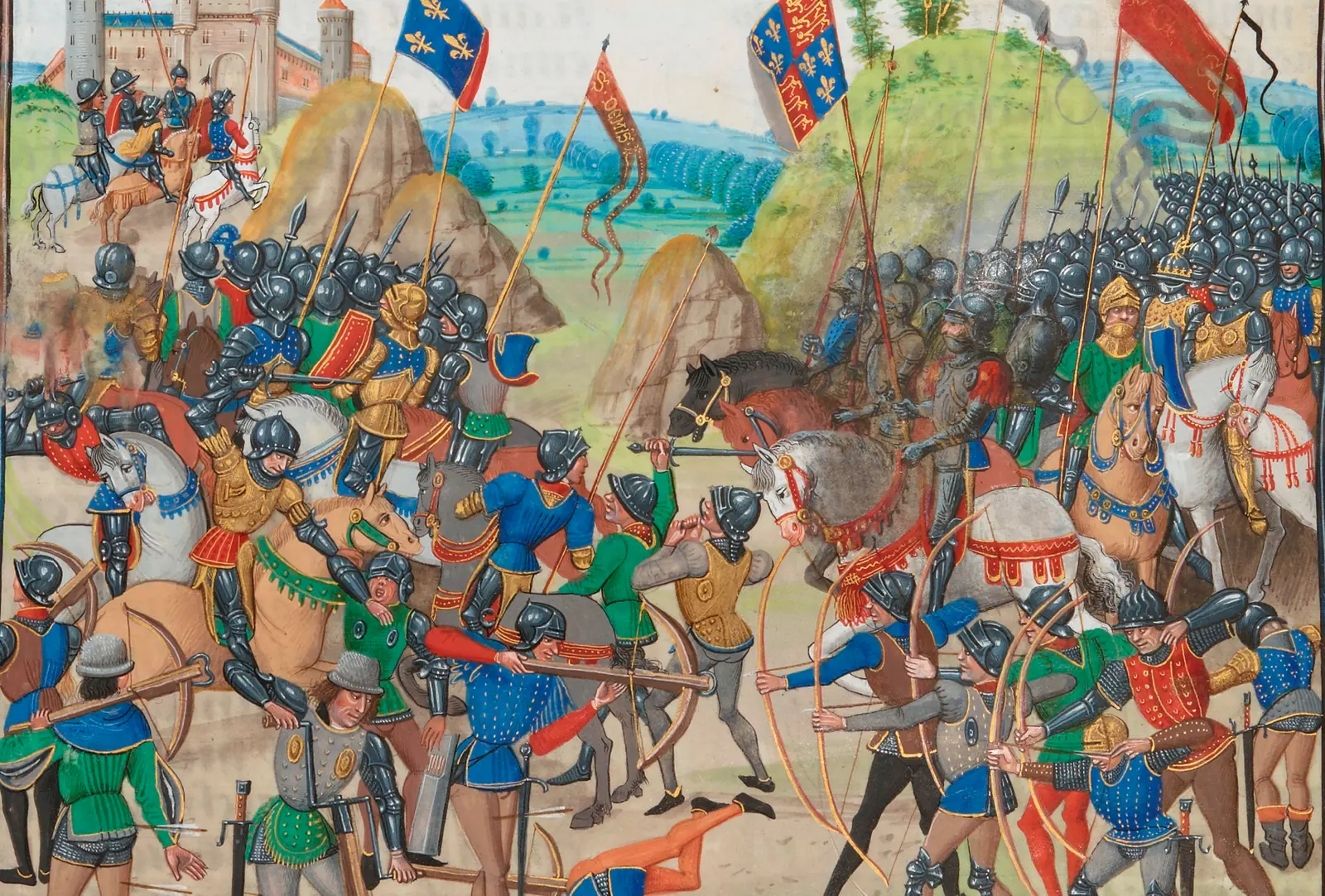
The battle ends. The story remains.
 hidden creature
Event 1 of 58
Combat Analytics
| Total damage | 368 | |
|---|---|---|
| Total healing | 38 | |
| Attacks | 11 | |
| Overall accuracy | 72.7% | |
| Criticals | 3 | |
| Defeats | 5 |
Want to revisit that impossible critical hit? Battle Replay preserves the encounter without touching the live state of your table. Return later to explore movement, rolls, effects, and combat statistics.
 expected file:
 assets/art/marginalia/otter-snail-joust.webp
REAL FOOTAGE

CHAPTER II · Actor Image Gallery
fol. 5r
Many faces. One character.
 expected file:
 assets/art/miniatures/portrait-otter.webp
expected file: assets/art/miniatures/portrait-otter.webp
CURRENT PORTRAIT · Original
expected file: assets/art/miniatures/portrait-otter.webp
ORIGINAL
the original file is never modified
expected file: assets/art/miniatures/portrait-otter.webp
TOKEN
Wounded, disguised, corrupted, or simply wearing another expression. Change the portrait when the character changes. The gallery preserves every version without replacing the original.
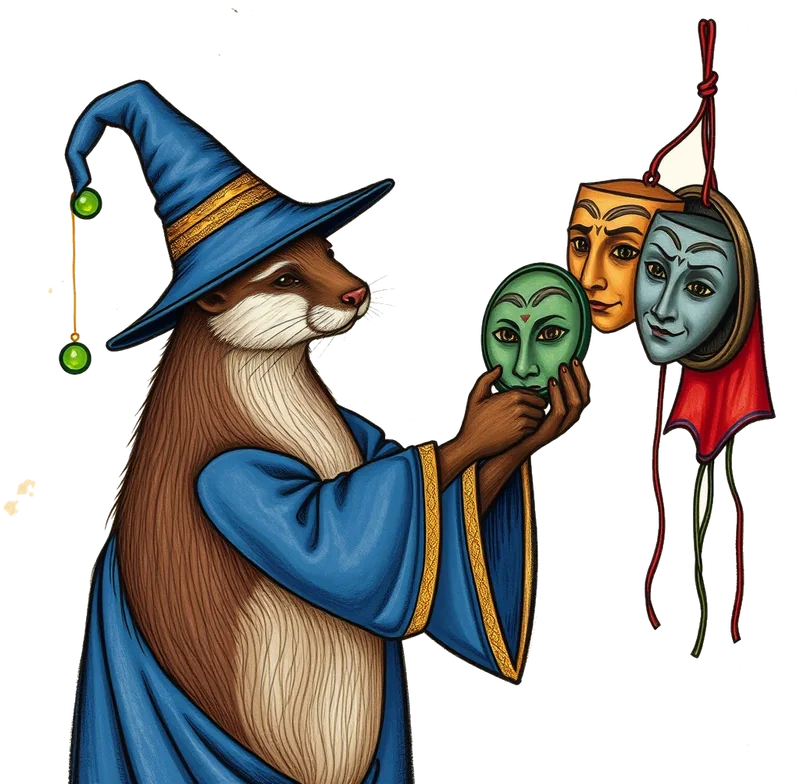 expected file:
 assets/art/marginalia/otter-masks.webp
REAL FOOTAGE


CHAPTER III · Scene Director
fol. 6r
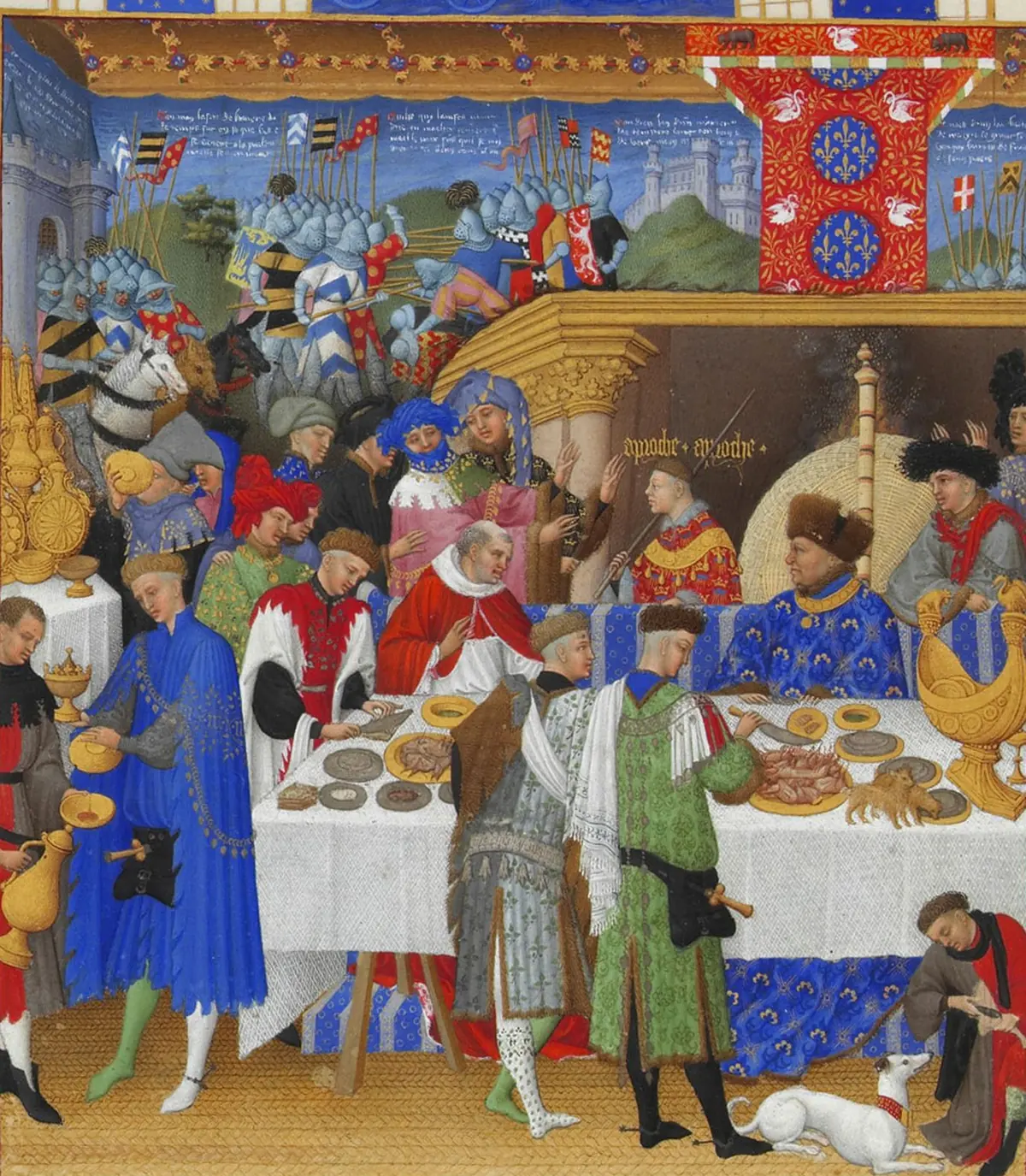
Your table takes the stage.
LEADERENEMIES ×4ROUND 1
FIGHT!
SESSION 12 · CHAPTER III
The Drowned Bells
PREVIOUSLY The party escaped Greyport through the sewers while the bells rang behind them. Warlord Kess now holds the harbor.
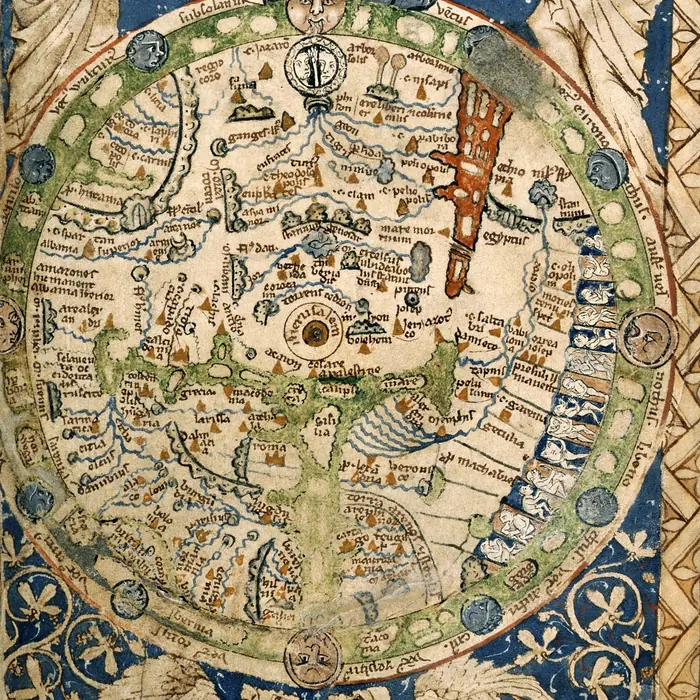
MAP · THE DROWNED COAST
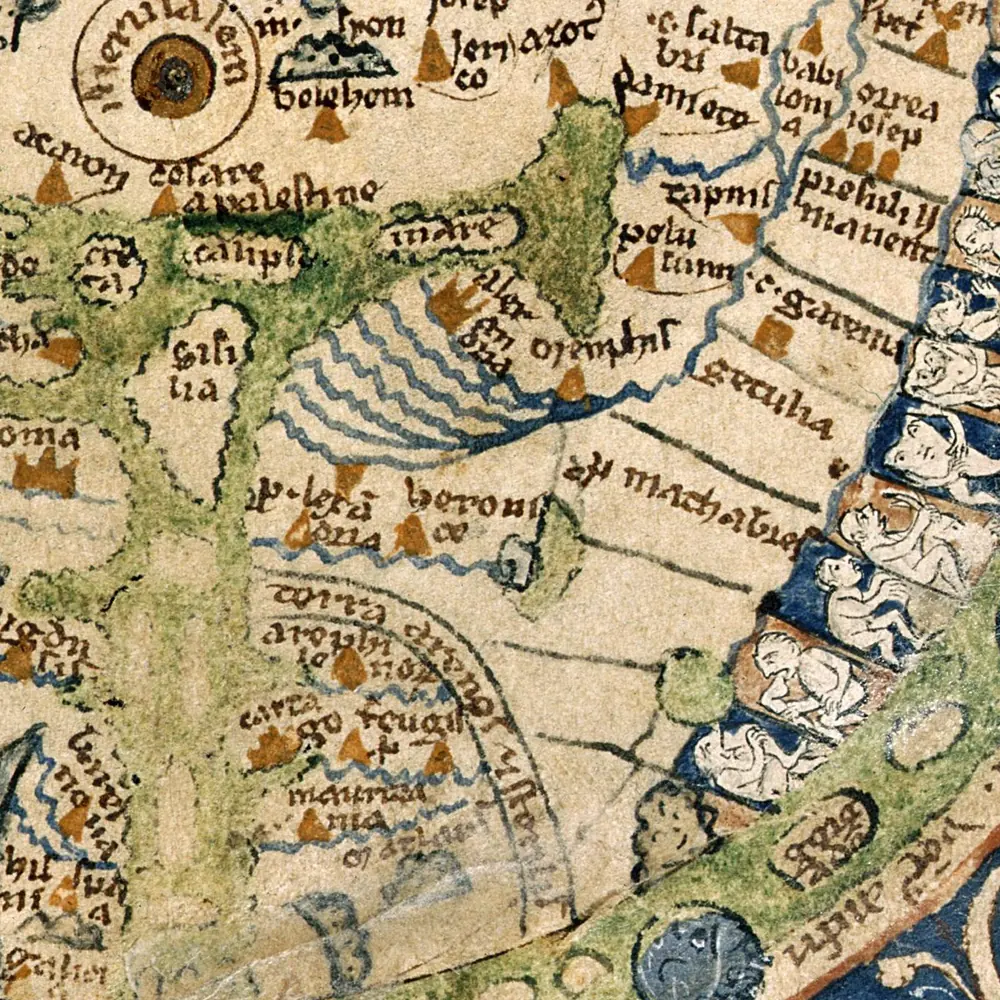
MAP · GREYPORT HARBOR
Greyport
Harbor town under Warlord Kess. A linked map waits inside the walls.
The Drowned Bells
Sunken chapel. The bells still ring at low tide.
you can explore these
Hollow Keep
The cultists' stronghold. The GM opens it when the time comes.
the GM opens these places
The Docks
Kess's ships, guarded day and night.
you can explore these
The Sewers
The way the party escaped. It still smells like it.
you can explore these
Fish Market
Rumors cost a copper. Good ones cost two.
the GM opens these places
Click a pin. Linked maps open with the GM's permission.
STUDIO · Drag a layer to move, rotate and slant it. Release and everything snaps back. LAYERS: Band, Enemy leader, Title
Animated openings, combat screens that fill themselves, and maps your players explore. Your table becomes far more immersive and interactive.
 expected file:
 assets/art/marginalia/otter-curtain.webp
REAL FOOTAGE
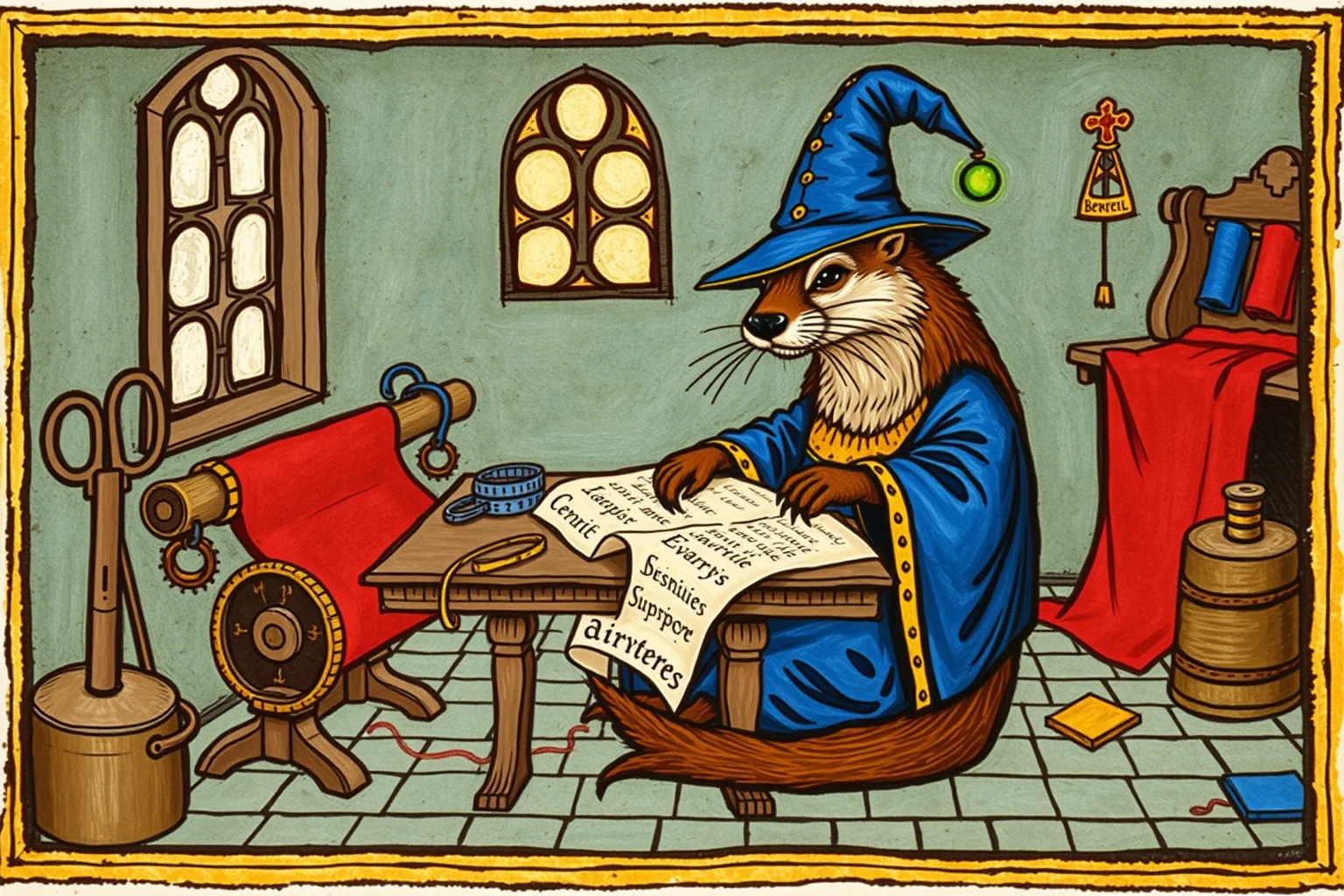
CHAPTER IV · Sheet Tailor
fol. 7r
Your sheet, your art, and everything still works.
 expected file:
 assets/art/miniatures/tailor-workshop.webp
Wren Ashcombe
Cartographer · level 5
Click "Customize sheet" on your system's sheet: drag the blocks, resize or hide them, and put an image, GIF or video behind it. Rolls and fields keep working.
The freeform sheet opens complete, with everything the system sheet has, split into tabs. The original sheet stays in the last tab.
Give your sheet your table's look, with your own art, without losing your system's automation.
 expected file:
 assets/art/marginalia/otter-tailor.webp
REAL FOOTAGE


COLOPHON
fol. 8r
Here ends this book, but not the work. The scribe’s hand is tired and the candle is nearly out. If you want to read the next chapter, you can help pay for the parchment.
If one of these modules has already helped your table, Patreon is the most direct way to keep the tower lit. Support the next ideas and follow their development more closely.
WHAT SUPPORT DELIVERS TODAY
 expected file:
 assets/art/marginalia/otter-scribe.webp
EXPLICIT